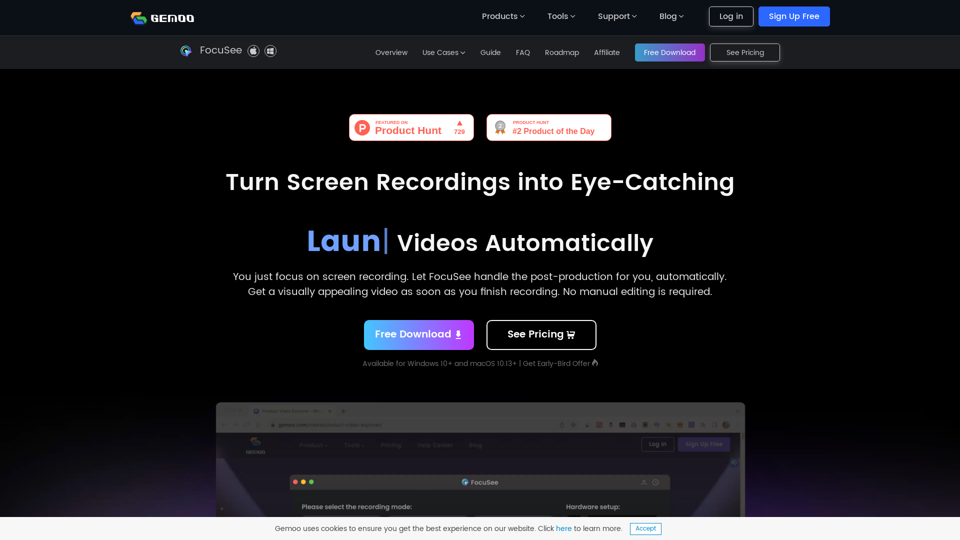
FocuSee
gemoo.com
You just focus on screen recording. FocuSee automatically polishes the video for you with zoom-in effects, cursor movement tracking, and nice backgro…
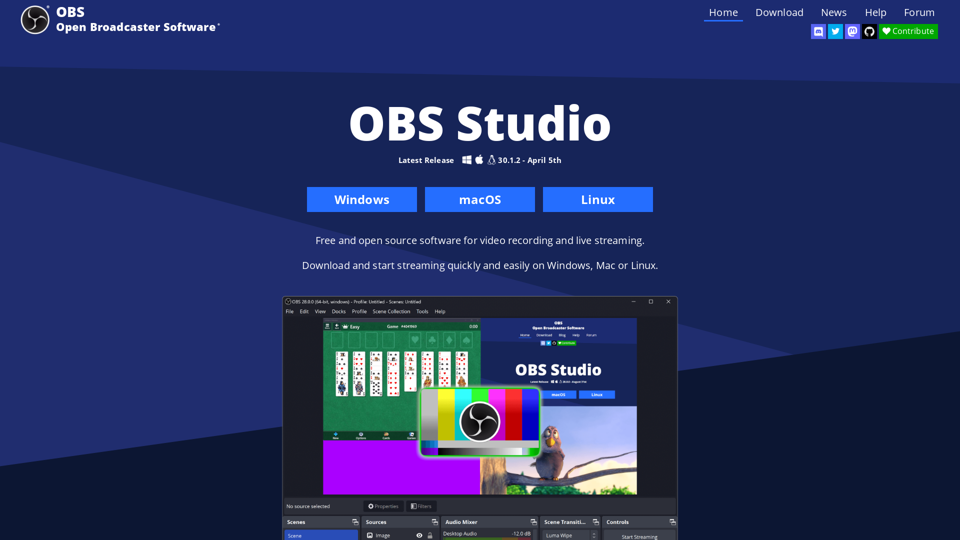
OBS (Open Broadcaster Software) is free and open source software for video recording and live streaming. Stream to Twitch, YouTube and many other providers or record your own videos with high quality H264 / AAC encoding.
OBS Studio is a free and open-source software for video recording and live streaming. It allows users to download and start streaming quickly and easily on Windows, Mac, or Linux.
OBS Studio provides high-performance real-time video/audio capturing and mixing. It allows users to create scenes made up of multiple sources, including window captures, images, text, browser windows, webcams, capture cards, and more. Users can set up an unlimited number of scenes and switch between them seamlessly via custom transitions.
OBS Studio provides high-performance real-time video/audio capturing and mixing.
Users can set up an unlimited number of scenes and switch between them seamlessly via custom transitions.
OBS Studio has an intuitive audio mixer with per-source filters such as noise gate, noise suppression, and gain. It also supports VST plugin.
The modular 'Dock' UI allows users to rearrange the layout exactly as they like. They can even pop out each individual Dock to its own window.
The streamlined Settings panel gives users access to a wide array of configuration options to tweak every aspect of their broadcast or recording.
OBS Studio supports all users' favorite streaming platforms and more.
Users can choose from a number of different and customizable transitions for when they switch between their scenes or add their own stinger video files.
Users can set hotkeys for nearly every sort of action, such as switching between scenes, starting/stopping streams or recordings, muting audio sources, push to talk, and more.
Studio Mode lets users preview their scenes and sources before pushing them live. They can adjust their scenes and sources or create new ones and ensure they're perfect before their viewers ever see them.
The Multiview allows users to get a high-level view of their production. They can monitor 8 different scenes and easily cue or transition to any of them with merely a single or double click.
OBS Studio is equipped with a powerful API, enabling plugins and scripts to provide further customization and functionality specific to users' needs.
Users can utilize native plugins for high-performance integrations or scripts written with Lua or Python that interface with existing sources.
Users can work with developers in the streaming community to get the features they need with endless possibilities.
OBS Studio is free and open-source software.
gemoo.com
You just focus on screen recording. FocuSee automatically polishes the video for you with zoom-in effects, cursor movement tracking, and nice backgro…
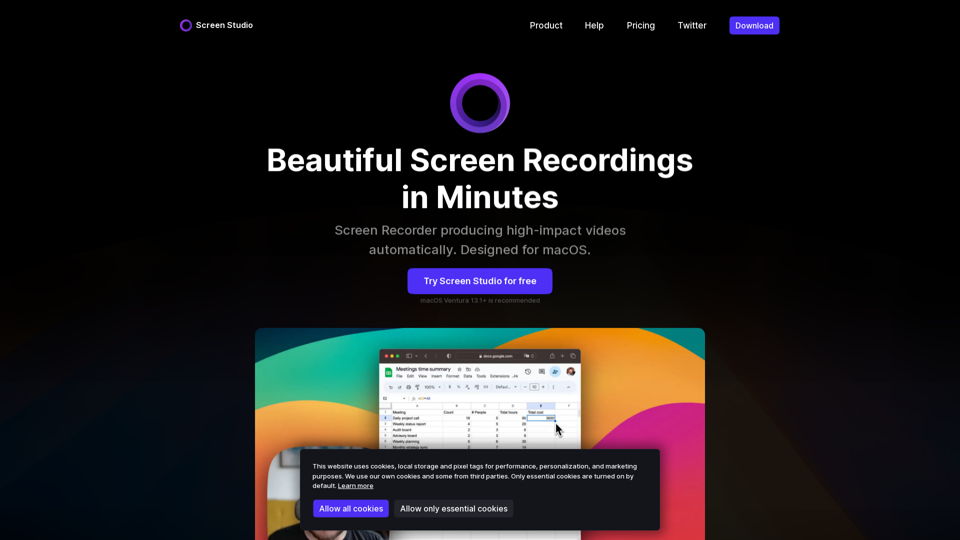
screen.studio
Screen Studioは、自動的にカーソルサイズを増やし、スムーズな動きを実現するオピニオネイトスクリーンレコーダーです。小さい画面ででもよりわかりやすく、よりアピールするデモやチュートリアルを作成できます。