BigJpg
bigjpg.ai
BigJPG AI: The nice image upscaler. It enlarges photos beyond limits, delivering crystal-clear results. Easy-to-use BigJPG creates print-quality enla…
AI Photo Enhancer70.8K/mo
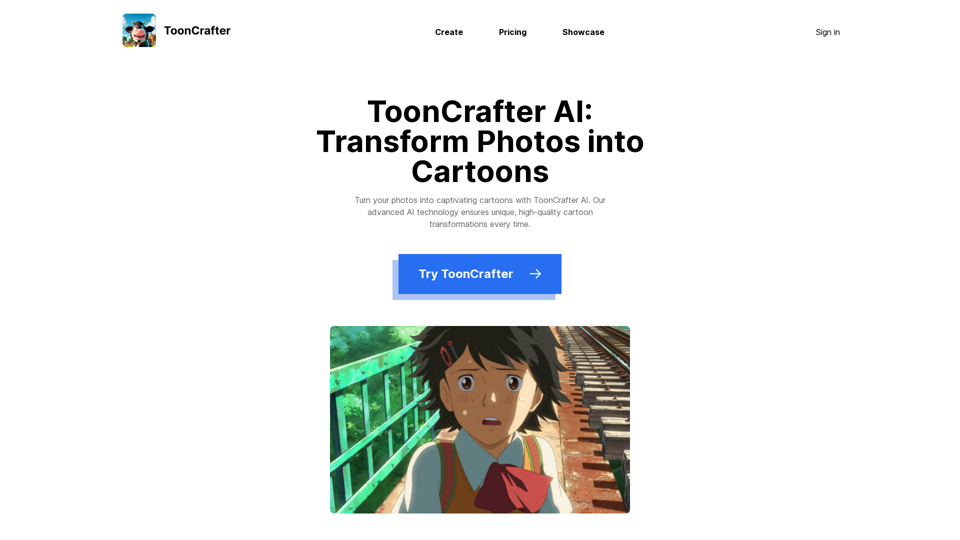
Turn your photos into captivating cartoons with ToonCrafter AI. Our advanced AI technology ensures unique, high-quality cartoon transformations every time
ToonCrafter, the innovative tool that transforms your photos into captivating cartoons! Whether you're an artist, animator, or just someone who loves creative visuals, ToonCrafter is designed to bring your imagination to life. This project integrates seamlessly with ComfyUI, making it easier than ever to create stunning animations.
ToonCrafter employs a unique Toon Rectification Learning Strategy, ensuring that your cartoons maintain high quality and consistency. This strategy helps in refining the cartoon images, making them look more polished and professional.
Our Dual-Reference-Based 3D Decoder allows for more accurate and detailed cartoon generation. By using two reference images, ToonCrafter can create a more dynamic and realistic 3D effect in your cartoons.
ToonCrafter offers interactive control, giving you the power to tweak and adjust your cartoons in real-time. This feature ensures that you have complete creative control over the final output.
With Sketch Interpolation, you can create smooth transitions between different sketches. This feature is perfect for animators looking to create fluid motion in their cartoons.
ToonCrafter's Sketch Colorization feature allows you to add vibrant colors to your sketches effortlessly. Simply upload your sketch, and ToonCrafter will handle the rest, bringing your drawings to life with beautiful colors.
Our Sketch-Guided Generation feature lets you guide the cartoon creation process using your sketches. This ensures that the final cartoon closely matches your original vision.
Generative Cartoon Interpolation is a powerful feature that enables the creation of seamless animations by interpolating between two cartoon images. This results in smooth and natural-looking animations.
The Sketch Encoder feature helps in encoding your sketches into a format that ToonCrafter can use to generate cartoons. This ensures that your sketches are accurately represented in the final output.
With Generative Keyframe Animation, you can create keyframes and let ToonCrafter generate the in-between frames, making the animation process much more efficient and less time-consuming.
Using ToonCrafter is simple and straightforward. Follow these steps to create your own cartoons:
ToonCrafter offers a range of pricing options to suit different needs and budgets. Visit our pricing page for more details.
ToonCrafter is a versatile and powerful tool that brings your creative visions to life. Whether you're looking to create stunning animations or simply want to transform your photos into beautiful cartoons, ToonCrafter has you covered. Try it today and unleash your creativity!
For more information, visit our official website and check out our tutorials to get started.
bigjpg.ai
BigJPG AI: The nice image upscaler. It enlarges photos beyond limits, delivering crystal-clear results. Easy-to-use BigJPG creates print-quality enla…
undressaitool.com
Undress Ai Tool: The Best Free Deepnude Ai App To Seamlessly Undress Anyone In Images With Our Powerful Photo Undresser Tool To Ai Nudes Now!
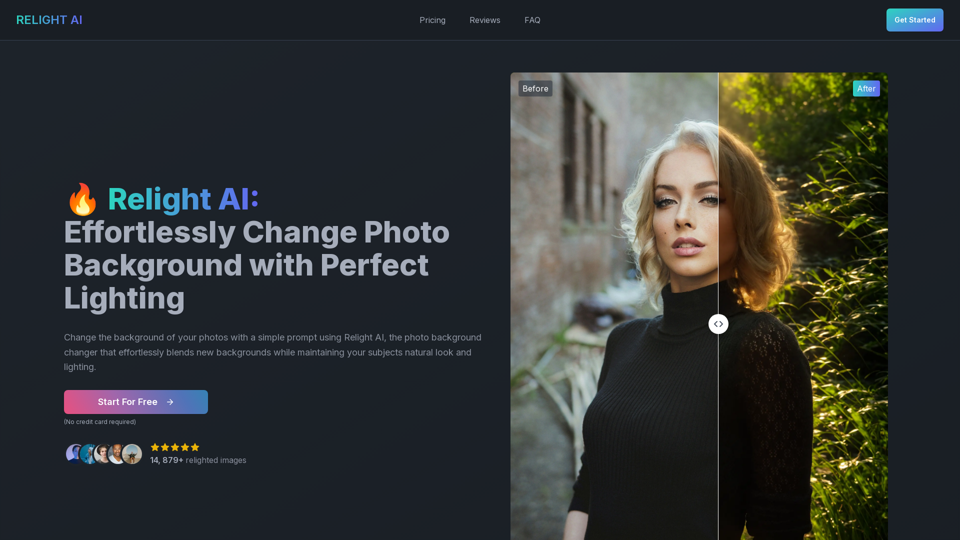
relightai.co
Relight AI is a cutting-edge photo background changer that effortlessly blends new backgrounds while maintaining the subject's natural look and light…
ai-image.tools
ImageTools offers AI-powered bg removal for portraits & objects,change backgroud for portraits & objects