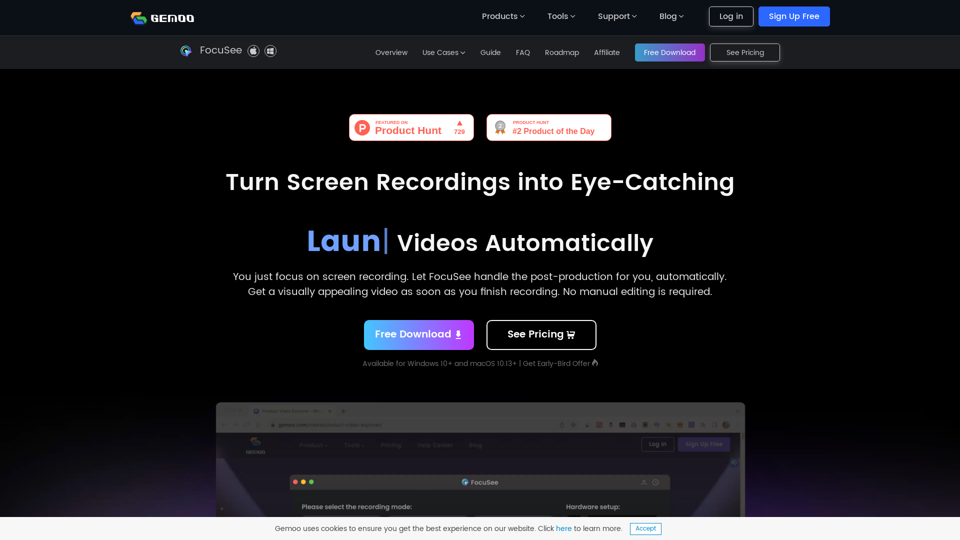
FocuSee
gemoo.com
You just focus on screen recording. FocuSee automatically polishes the video for you with zoom-in effects, cursor movement tracking, and nice backgro…
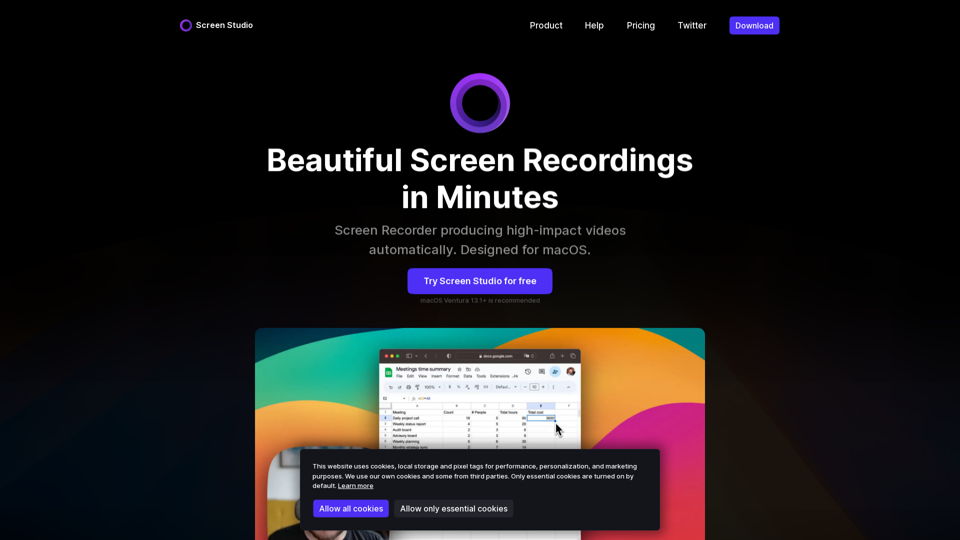
Screen recorder for macOS. Create engaging product demos, courses, tutorial and social media videos. Add automatic zoom on mouse actions, smooth mouse movement, and other powerful effects and animations. Designed for macOS.
Screen Studio is a professional screen recorder for macOS, designed to produce high-impact videos automatically. It offers a range of features to make your videos look beautiful, including automatic zoom, cursor size adjustment, and smooth cursor movement.
Screen Studio is easy to use and offers a range of features to help you create engaging videos. You can use it to record product demos, courses, tutorials, and social media posts. It also allows you to customize your videos with background and spacing options, as well as add your own style and branding.
Screen Studio offers a range of features to help you create high-quality videos, including:
Screen Studio offers a one-time purchase option, with two plans to choose from:
gemoo.com
You just focus on screen recording. FocuSee automatically polishes the video for you with zoom-in effects, cursor movement tracking, and nice backgro…
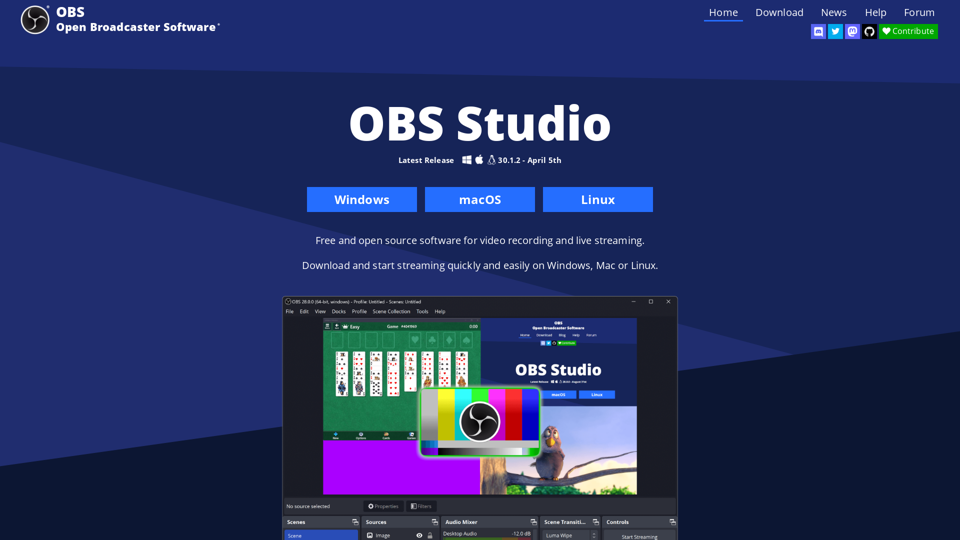
obsproject.com
OBS Open Broadcaster Software is free and open source software for video recording and live streaming. Stream to Twitch, YouTube and many other provi…