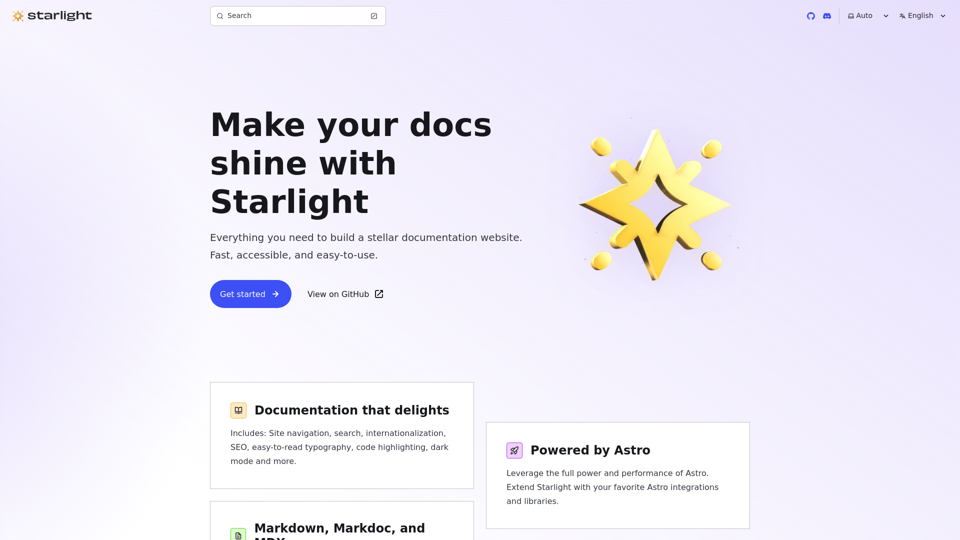
Starlight 🌟 Build documentation sites with Astro
starlight.astro.build
Starlight helps you build beautiful, high-performance documentation websites with Astro.
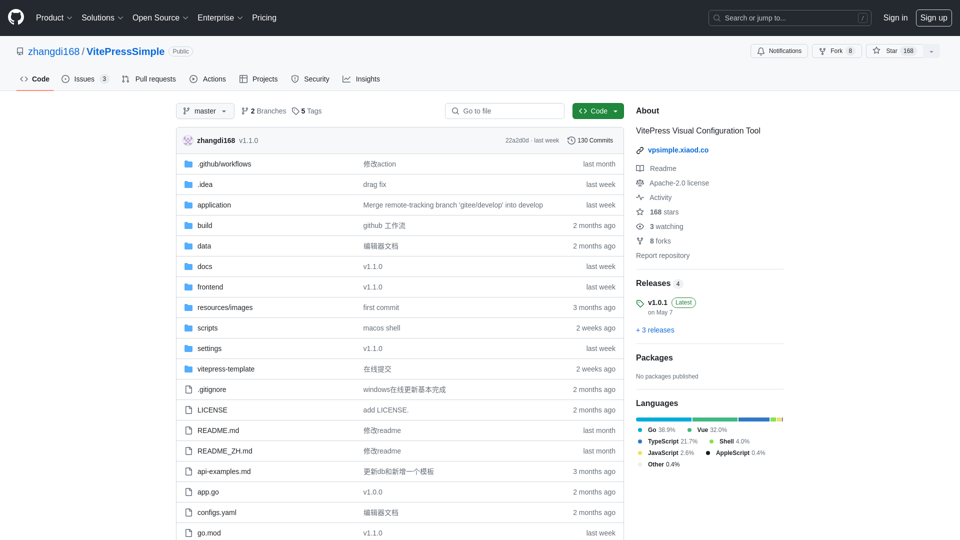
VitePress Visual Configuration Tool. Contribute to zhangdi168/VitePressSimple development by creating an account on GitHub.
VitePressSimple is a VitePress Visual Configuration Tool that provides a lightweight client program based on Webview2, allowing users to visually configure their VitePress projects.
To use VitePressSimple, follow these steps:
npm install and npm run docs:dev.wails dev or wails build.VitePressSimple offers several features, including:
VitePressSimple is completely free to use. If you find it helpful, you can buy the author a coffee ☕️.
The author's personal website is http://xiaod.co/, and their Wechat is bcxiaod.
starlight.astro.build
Starlight helps you build beautiful, high-performance documentation websites with Astro.
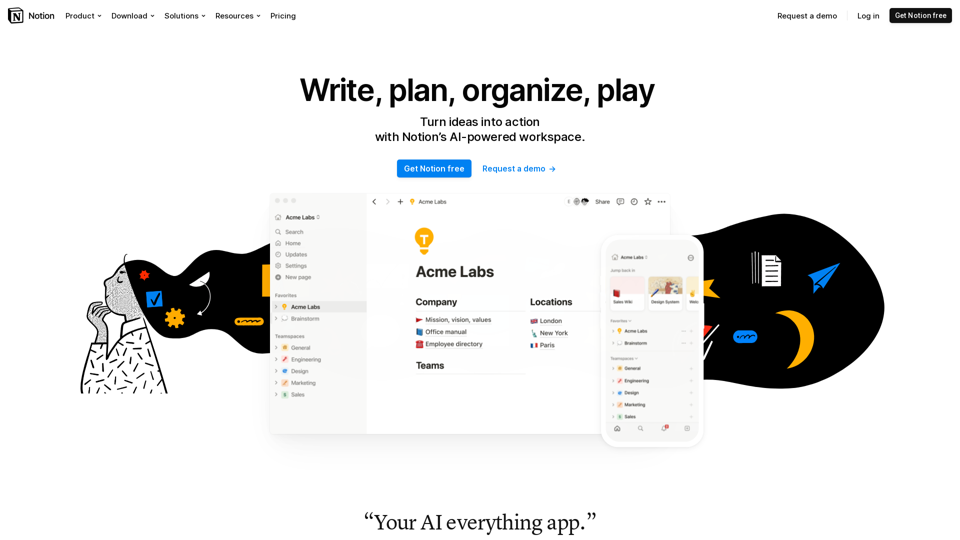
A tool that blends your everyday work apps into one. It's the all-in-one workspace for you and your team.